Place ID Finder
Instantly find Google Place data for any location.
Three steps. Ten seconds.
Search the business
Type the business name and city, just like you would on Google Maps.
Pick the right listing
Choose the result that matches the address.
Copy the Place ID
Copy the ID, or copy the ready-made Google review link.
One business. One ID.
A Google Place ID is a unique code Google gives every place on Google Maps: businesses, landmarks, parks and more. It looks something like this:
ChIJgUbEo8cfqokR5lP9_Wh_DaM
Google uses it to point to your exact listing, so software can find you without guessing from your name or address.
Small code. Lots of uses.
Google review links.
Your Place ID turns into a direct link that opens your Google review box. It's the fastest way to get a customer from "happy" to "posted."
Review and marketing software.
Review tools, local SEO platforms and CRMs often ask for your Place ID to connect to your Google listing.
Maps and websites.
Developers use Place IDs to embed maps, show directions and pull business details through Google's APIs.
Managing multiple locations.
Each location has its own Place ID. Keep them on file and every location gets its own review link.
Your Place ID is half a review link.
Add your Place ID to the end of this address and you have a direct Google review link:
https://search.google.com/local/writereview?placeid=
Send it after every job and customers skip the searching. Fewer steps, more reviews.
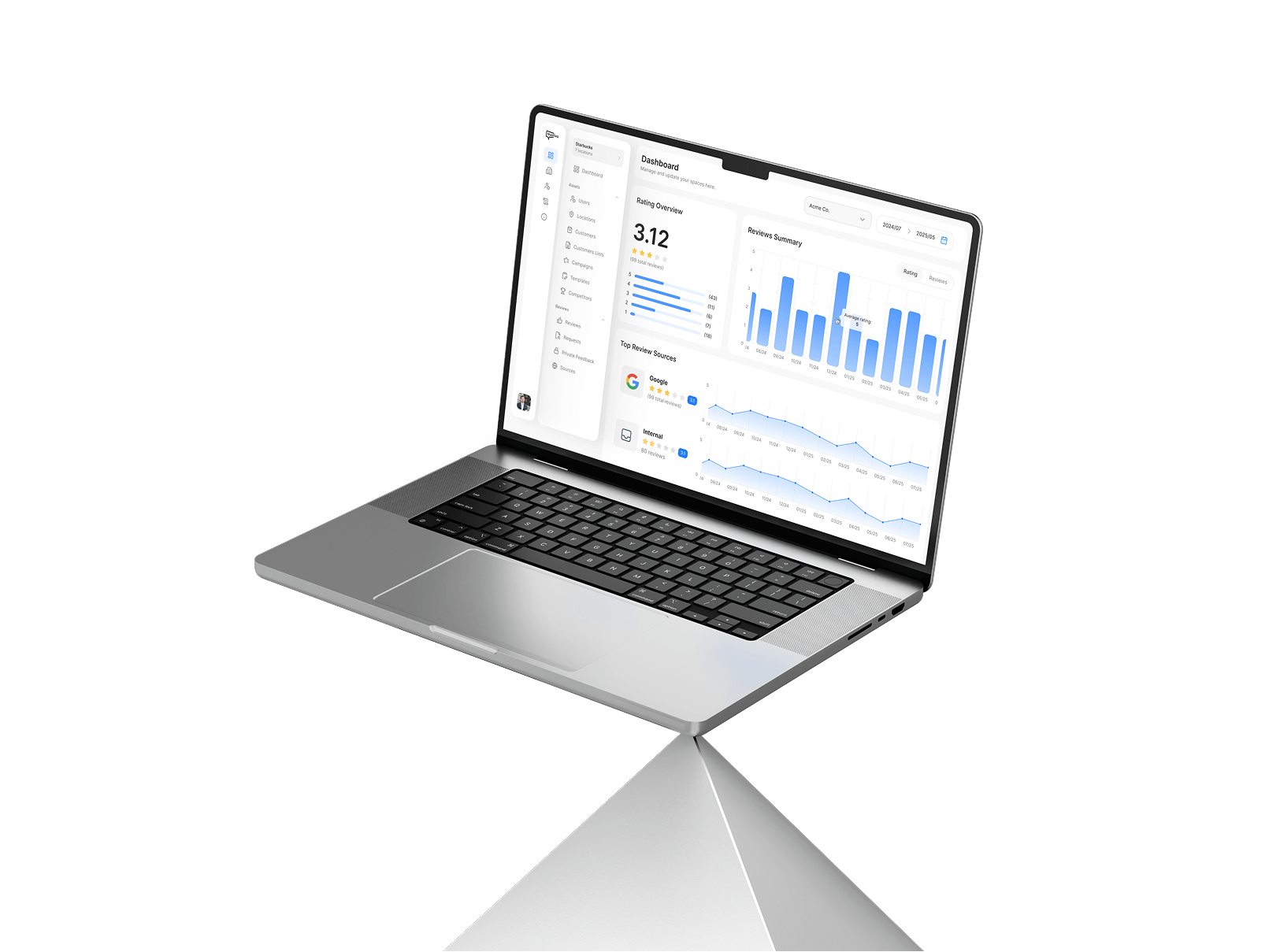
The link is the easy part. Remembering to send it to every customer is the hard part. That’s what Trustivo does.
- Free for 14 days. Cancel anytime.
Questions, answered.
What is a Google Place ID?
A unique code Google assigns to a place on Google Maps. Software uses it to identify your exact business listing.
How do I find my Google Place ID?
Minutes. Sign up, add your first customer, and your first review request goes out the same day. No onboarding calls, no implementation timeline.
Is a Place ID the same as a CID?
No. If you can send a text message, you can use Trustivo. The dashboard is simple and our support team is here if you need a hand.
Does my Place ID ever change?
Yes. You can share account access with your team, send review requests, and track responses from a single dashboard.
Can a business have more than one Place ID?
When you add a customer, Trustivo sends an SMS with a link to leave a review. If they don’t respond, automated email follow-ups are sent at the right time. You can send requests individually, upload a spreadsheet to send in bulk, or connect via our API to trigger requests automatically from your CRM or other software.
Why can't I find my business?
Google, Facebook, Trustpilot, Tripadvisor, BBB, Zillow, Healthgrades, HomeAdvisor, and 70+ more. If there’s a platform you need that isn’t listed, get in touch — we may already support it.
Is the Place ID finder free?
It depends on the platform. For example, Google reviews require a Google account, and Facebook reviews require a Facebook account. Trustivo lets you offer multiple platform options so customers can choose the one they already use.
What's the fastest way to get more Google reviews?
Yes. Fresh, positive reviews are a ranking factor in Google Search and Google Maps. The more consistent your review collection, the more visible your business becomes to people searching locally.
What about negative reviews?
They happen. But Trustivo gives your customers the option to share feedback directly with you first, giving you a chance to make things right before it becomes a public review. The customer can still continue to the review platform if they choose — we never block that. But we find most people are happy to raise the issue privately when given the option. Combined with a steady flow of positive reviews, one bad experience doesn’t have to define your reputation.
Can I connect Trustivo to my CRM?
Yes. Trustivo has an API that lets you trigger review requests automatically from your CRM or other software. Whenever a job is completed or a customer interaction ends, the request goes out without anyone touching the dashboard.
How much does Trustivo cost?
$49 per location, per month. One price. Every feature included. No tiers, no setup fees, no hidden costs.
How does the free trial work?
Sign up and use Trustivo free for 14 days. No credit card required. If it works for you, your subscription starts automatically. If not, you walk away.
Is there a contract?
No. Month-to-month. Cancel anytime.
Can I add or remove locations?
Yes. Add locations as you grow, remove them when you don’t need them. Changes take effect on your next billing cycle.
What payment methods do you accept?
All major credit cards.
How do I get help?
Our support team is available to help with setup, answer questions, and troubleshoot any issues. Contact us anytime.
Your reviews won’t collect themselves.
Start your free 14-day trial.
- Free for 14 days. Cancel anytime.